Fix anything in place
Touch and hold an item to retype it ("2 red onions") or move it to another aisle. Handful remembers the aisle next time.
Snap a recipe. Shop the list.
Photograph the ingredients in any recipe and you've got a shopping list to tick off. That's the whole app: one photo, one tap, no menus, no setup, and everything stays on your device.
Music: “Voxel Revolution” by Kevin MacLeod (incompetech.com), licensed under CC BY 4.0.
You snap the recipe and shop from the photo. Now you're zooming in on a cookbook page in the middle of the aisle, losing your place, with no way to tick anything off.
Handful fixes exactly that. One photo, one tap, and you've got a list to tick off as you shop. Nothing else to it.
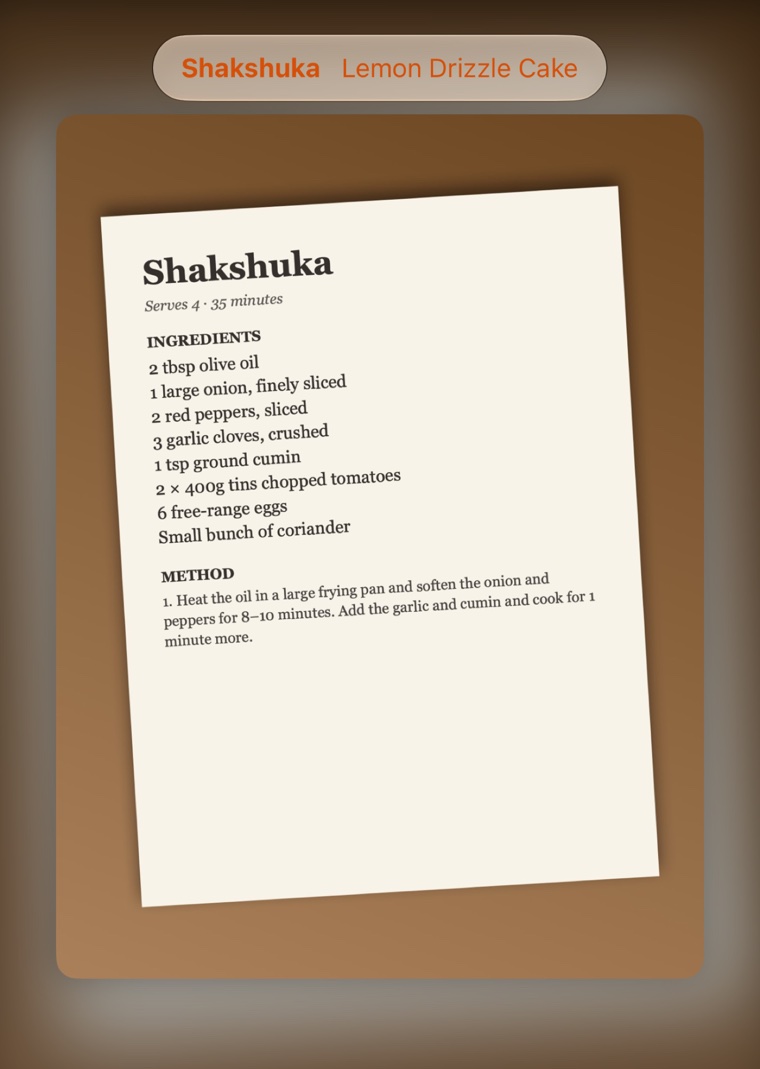
There's no home screen to get past. Point at the ingredients in a cookbook, a magazine or a handwritten recipe card and tap once.
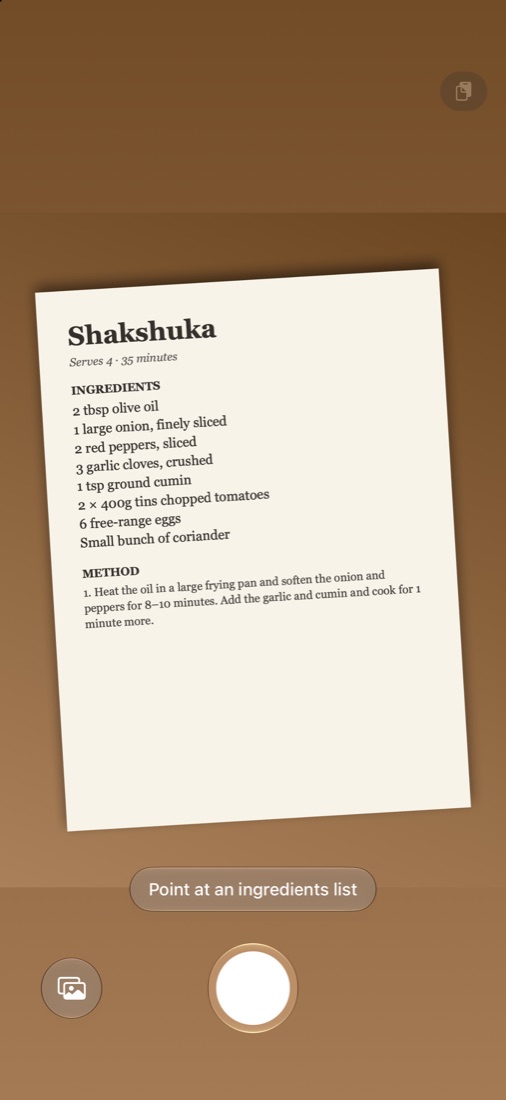
Seconds later, there's your list. Apple Intelligence reads the ingredients on your device, so there's nothing to type and the photo is never uploaded.
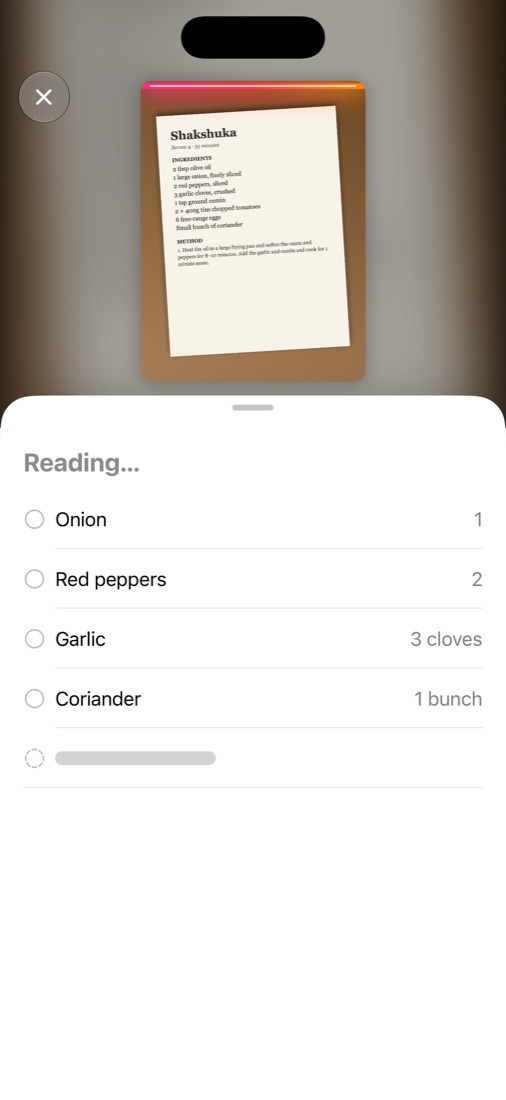
Snap, shop, tick, done. That's it. No account, no settings, no meal plans and no recipe collection to look after. Handful is deliberately small, so there's nothing between you and your list.
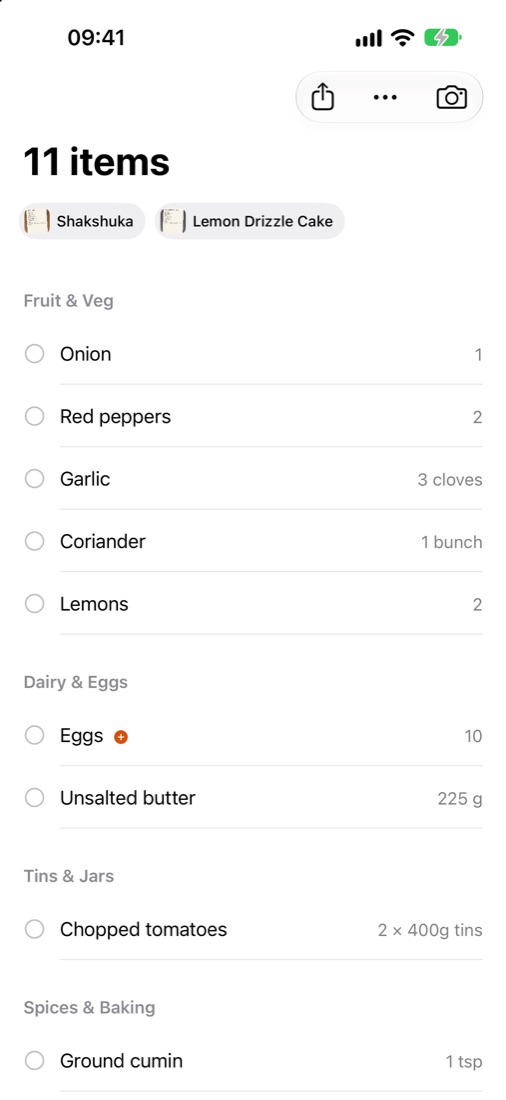
Walk in and tap each item as it goes in your basket. The text gets bigger and the screen stays on while you shop. Things are grouped by type, so the veg is together and the tins are together.
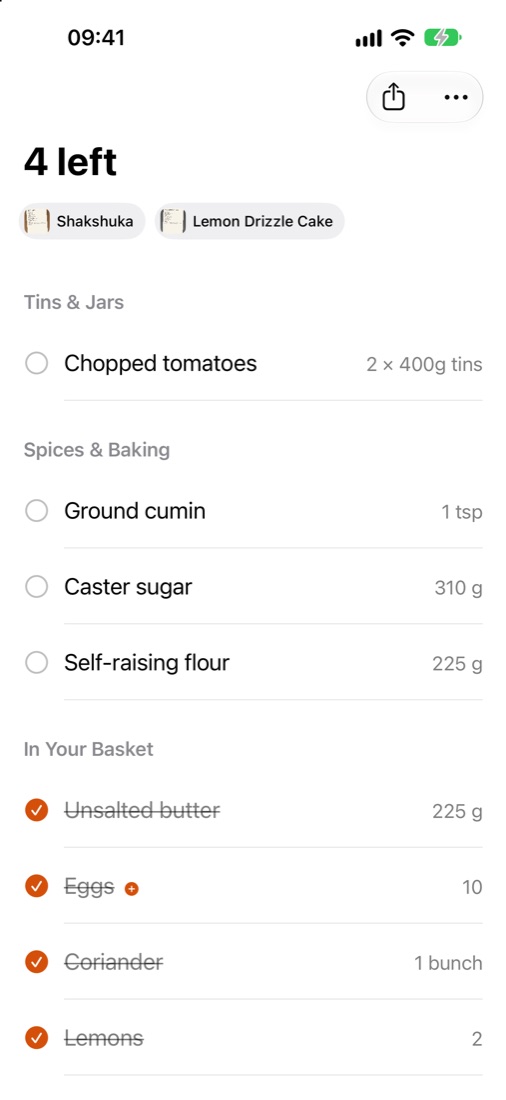
One job, no setup, and the little things handled.
Touch and hold an item to retype it ("2 red onions") or move it to another aisle. Handful remembers the aisle next time.
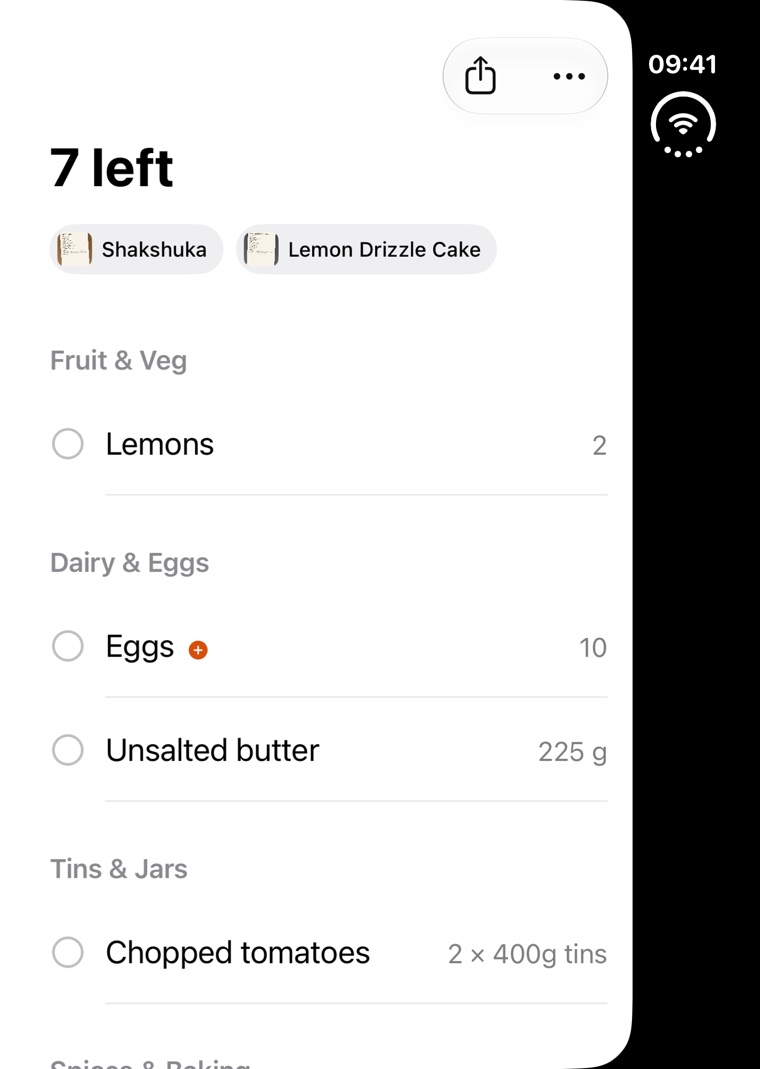
While you shop, a Live Activity shows how many are left and the next item, with a button to tick it off without unlocking.
Cookbooks, magazines and handwritten cards, or a screenshot, a recipe's text or a page shared from Safari.
No ads, no subscription, no in-app purchases and no limits. No account either.
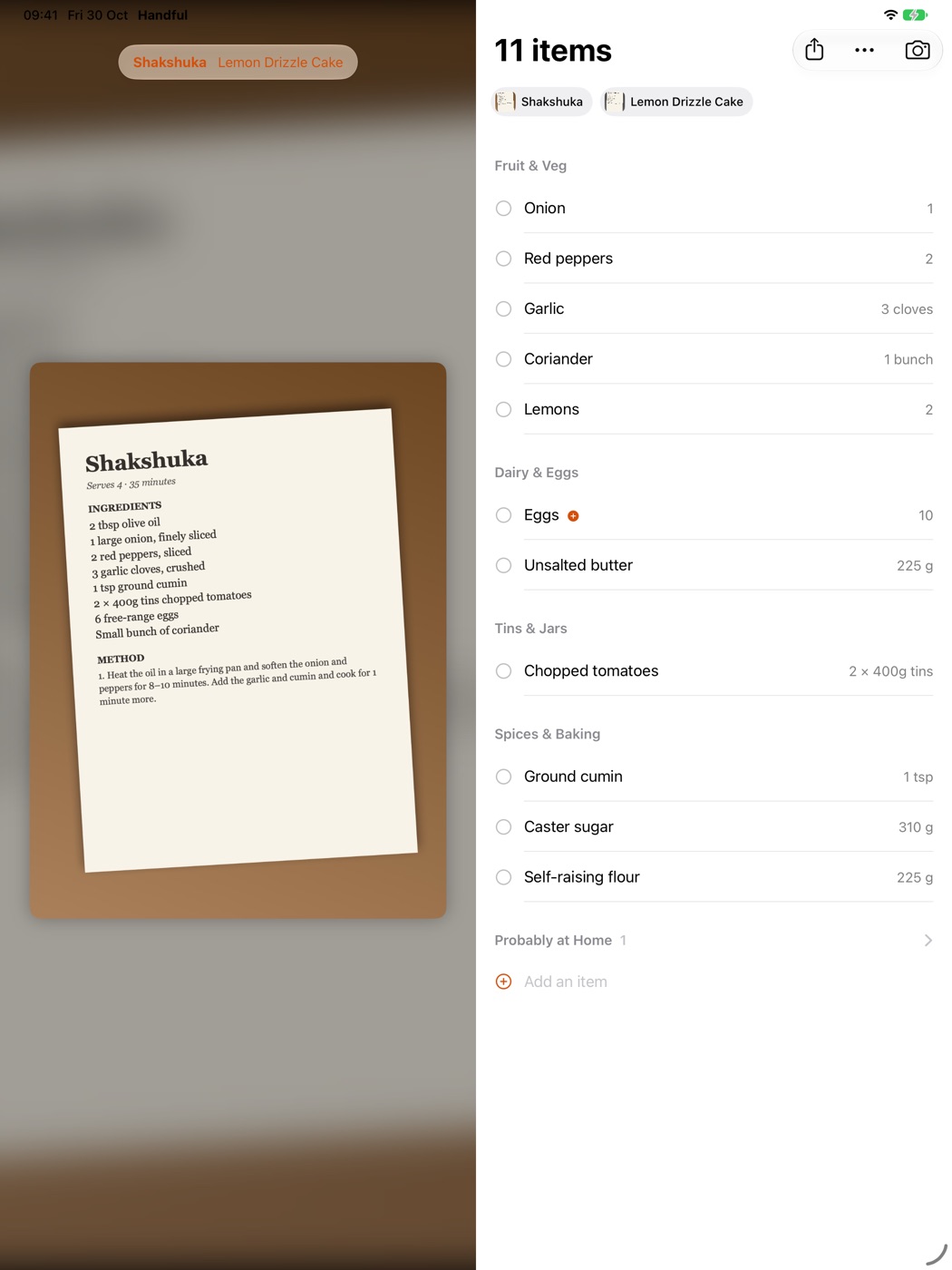
On an iPad, or an iPhone Duo opened up, the recipe photo sits beside your list, so you can check a quantity without switching screens. Same one-tap camera, same list.
Handful reads photos with Apple Intelligence on your iPhone or iPad. There's no account, no analytics and no tracking, and your photos, lists and location are never uploaded.
Out now on the App Store for iPhone, iPhone Duo and iPad, from Vibe Slop Software.